
Cloning is logistics, not a single button
Hardware upgrade primer
Treat cloning like shipping fragile glass: padding (backups), a stable truck (ports and power), and a signed delivery receipt (boot test).
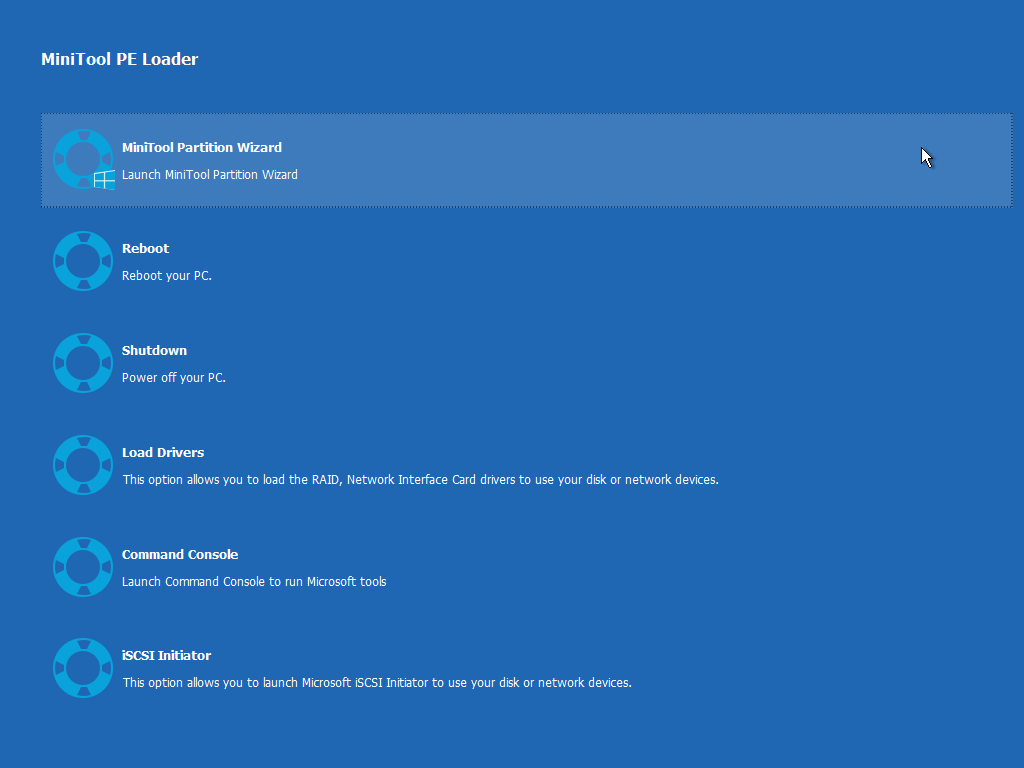
Match target capacity to used data plus margin. Cloning to a smaller disk requires shrinking first—never assume thin provisioning will save you.
Use direct SATA/NVMe paths when possible; dodgy docks cause timeouts that masquerade as software bugs.
Disable aggressive sleep timers during long jobs. A mid-clone sleep is how partial tables happen.
After clone, boot the target alone. Keep the source disk read-only until you are confident the new system is stable.
Partition offsets matter for SSD performance; reputable tools surface alignment, but skepticism is healthy after manual edits.
If BitLocker was enabled, ensure the clone process understood encryption boundaries or decrypt first per policy.