
Resize the Windows system partition without gambling your weekend
Updated field guide · practical Windows storage
Resizing is not magic—it is bookkeeping for sectors and metadata. Treat it like a migration: inventory, backup, change, verify.
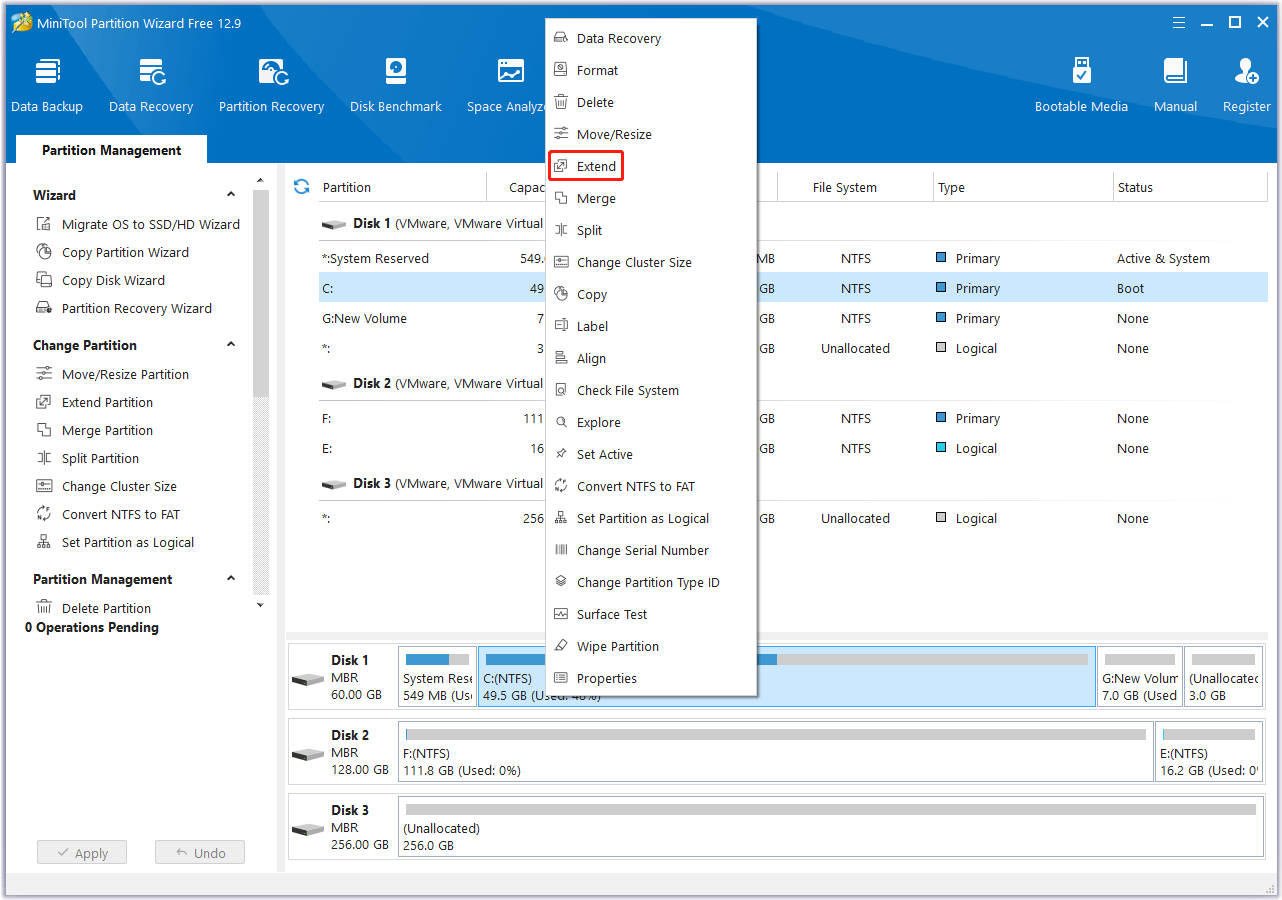
Start by recording current partition layout, drive letters, and BitLocker state. If anything is encrypted, resolve key custody before you schedule work.
Free space must become adjacent to the volume you want to extend. That often means shrinking a neighbor first, applying, then extending into the new unallocated block.
Avoid running heavy IO during the operation: close games, pause sync clients, and connect laptops to reliable power. Sleep and hibernate are not friends here.
After Apply completes, reboot even if Windows seems happy. Confirm chkdsk is not scheduled unexpectedly and spot-check critical apps.
If extend is greyed out in built-in tools, the same adjacency rules apply inside Partition Wizard—only the UI changes.
Document what you changed. Future you (or a colleague) will appreciate a one-paragraph note stored with your backup logs.